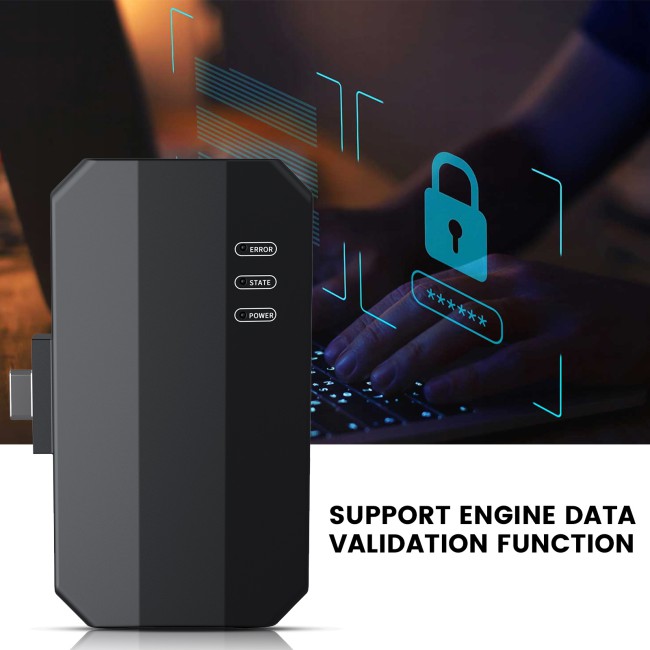
Works with Launch XPROG3 (GIII) – Required add-on for advanced ECU & IMMO programming
ECU Read/Write & Cloning – Supports EEPROM, FLASH, and chip-level operations
PC-Based Programming – Faster, more stable workflow compared to tablet-only use
High-Speed USB Connection – Reliable data transfer for professional diagnostics
Ideal for Workshops – Perfect for ECU repair, recovery, and immobilizer jobs
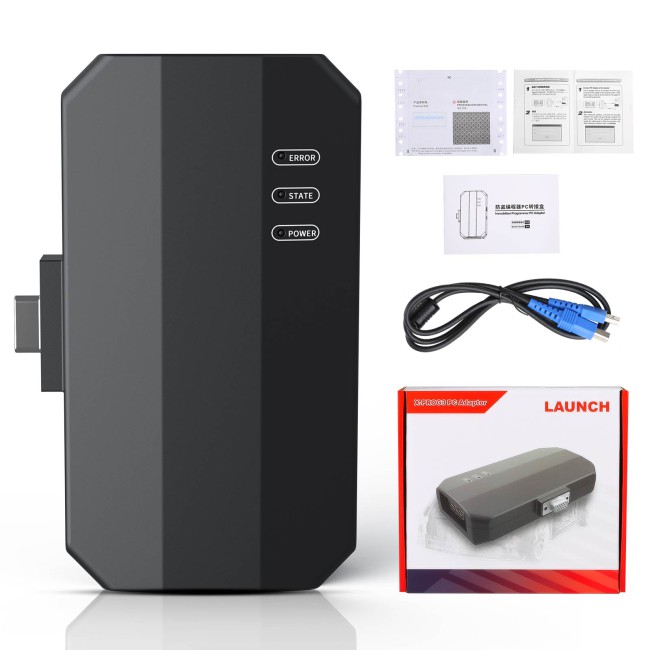
The Launch XPROG3 PC Adaptor is a professional ECU programming interface designed to work with the X-PROG3 immobilizer programmer. It enables advanced ECU/TCU data reading, writing, cloning, and repair operations directly from a Windows PC.
Built for technicians and automotive specialists, this adaptor delivers faster, more stable communication and enhanced file handling compared to tablet-only operation.
Works with Launch X-PROG3 programmer (required)
ECU data read/write (EEPROM & FLASH backup/restore)
Advanced ECU file editing & cloning
Powerful search function (by ECU type, Bosch number, etc.)
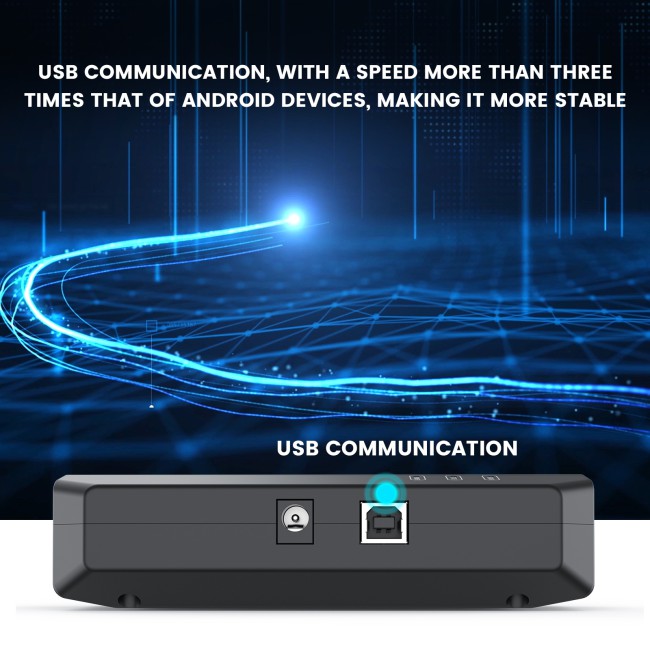
USB high-speed communication (3× faster than Android devices)
Stable and reliable bench programming environment
Supports engine data validation
Easy data copying & backup management
3x to 5x Faster Speeds: By using a direct USB connection to a PC, the data reading and writing speeds are roughly 3 to 5 times faster than using the Android-based Launch tablets.
Enhanced Stability: A wired PC connection minimizes the risk of data corruption or connection drops during critical ECU/TCU flashing.
PC-Exclusive Features: The Windows software includes functions that the Android tablet version does not support, such as Engine Data Validation and MEDC17 ECU Immobilizer Off (IMMO OFF).
ECU & TCU Cloning: Seamlessly backup and restore data when replacing Engine or Transmission Control Modules.
Bench & Boot Mode: Supports reading and writing data without disassembling the shell of the ECU (Bench mode) or via direct internal connection (Boot mode).
Data Processing: Features a specialized 2D menu and powerful search bar (by brand, Bosch number, or ECU type) to make finding the correct wiring diagrams and software easy.
Data Verification: Automatically validates the integrity of engine data files to ensure a successful flash.
| Feature | Details |
| Required Hardware | Must be used with Launch X-PROG 3 (GIII) |
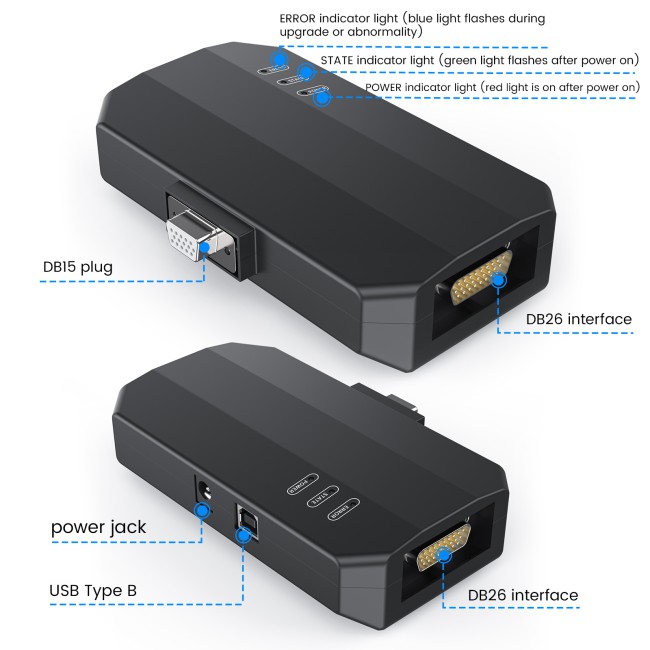
| Connection | USB Type-B to PC |
| Operating System | Windows 7/10/11 |
| Supported Brands | VW, Audi, Skoda, BMW, Mercedes-Benz, Toyota, etc. |
| Software Updates | Usually 1-2 years of free updates included |
| Focus | Specifically for ECU/TCU Cloning (not for key programming) |
Mandatory Pairing: This is an adapter, not a standalone programmer. It must be connected to an X-PROG 3 unit to function.
Key Programming Restriction: The PC software is strictly for ECU and TCU cloning and data processing. If you need to perform Immobilizer Key Programming, you must use the X-PROG 3 with a Launch X-431 tablet (like the PAD V, PAD VII, or PRO 5) instead of the PC software.
One-to-One Binding: An X-PROG 3 unit can typically only be bound to one PC adapter at a time.
The PC Adaptor is often paired with the Launch ECU TCU Connector Set, which includes specialized cables (like DQ200, DQ250, and 8HP) to eliminate the need for manual jumper wire connections, making the cloning process "plug-and-play."
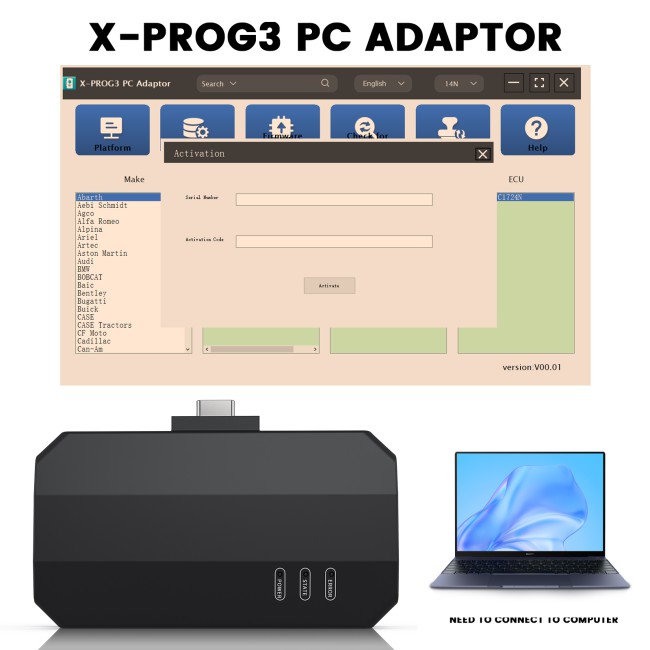
PC-based software (multi-language support)
Simple 2D interface for easy navigation
Plug & play via USB connection
Activation required (one-time)
Basic workflow:
Connect adaptor → PC
Connect adaptor → XPROG3
Launch software
Select ECU → Read / Write / Clone
Launch XPROG3 (GIII)
Launch X431 tablets:
X431 Pro5
X431 PAD V / PAD VII
IMMO Pro / IMMO Elite / IMMO Plus
Other X431 series devices
1 × Launch XPROG3 PC Adaptor
USB connection cable
Activation details