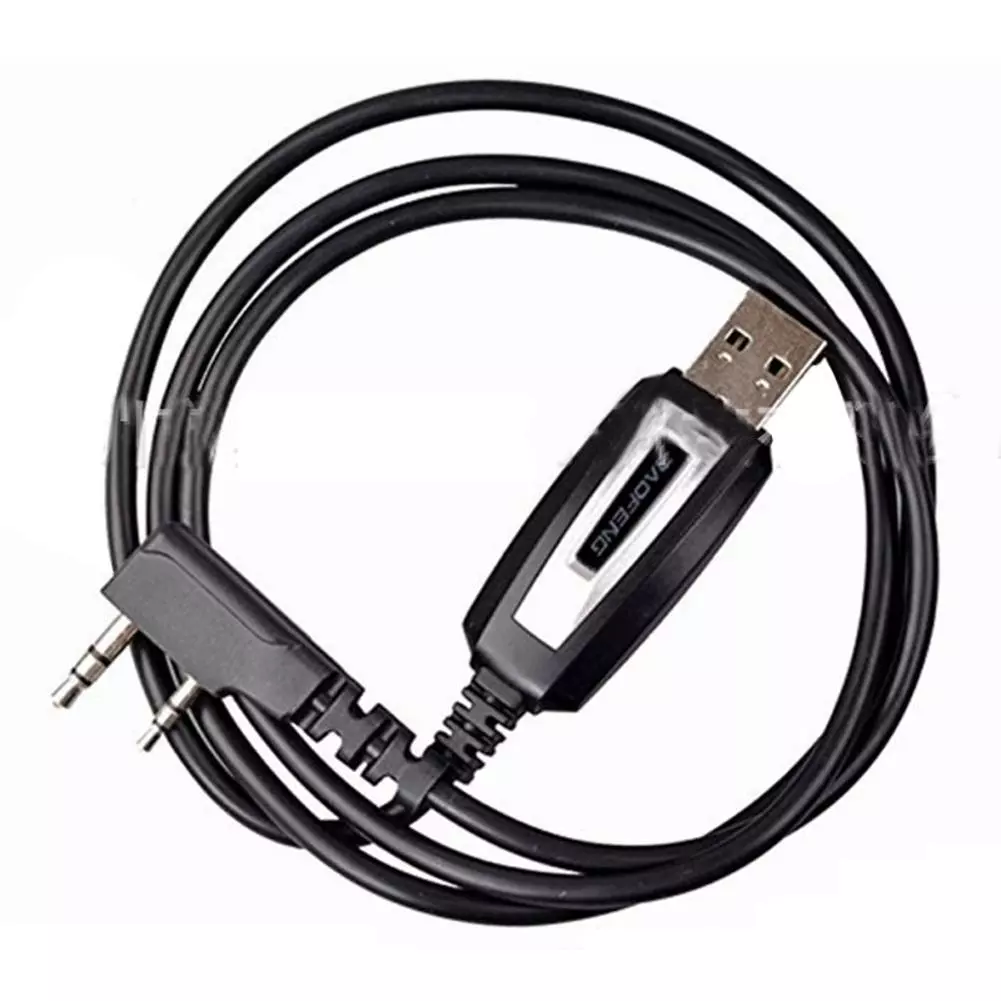
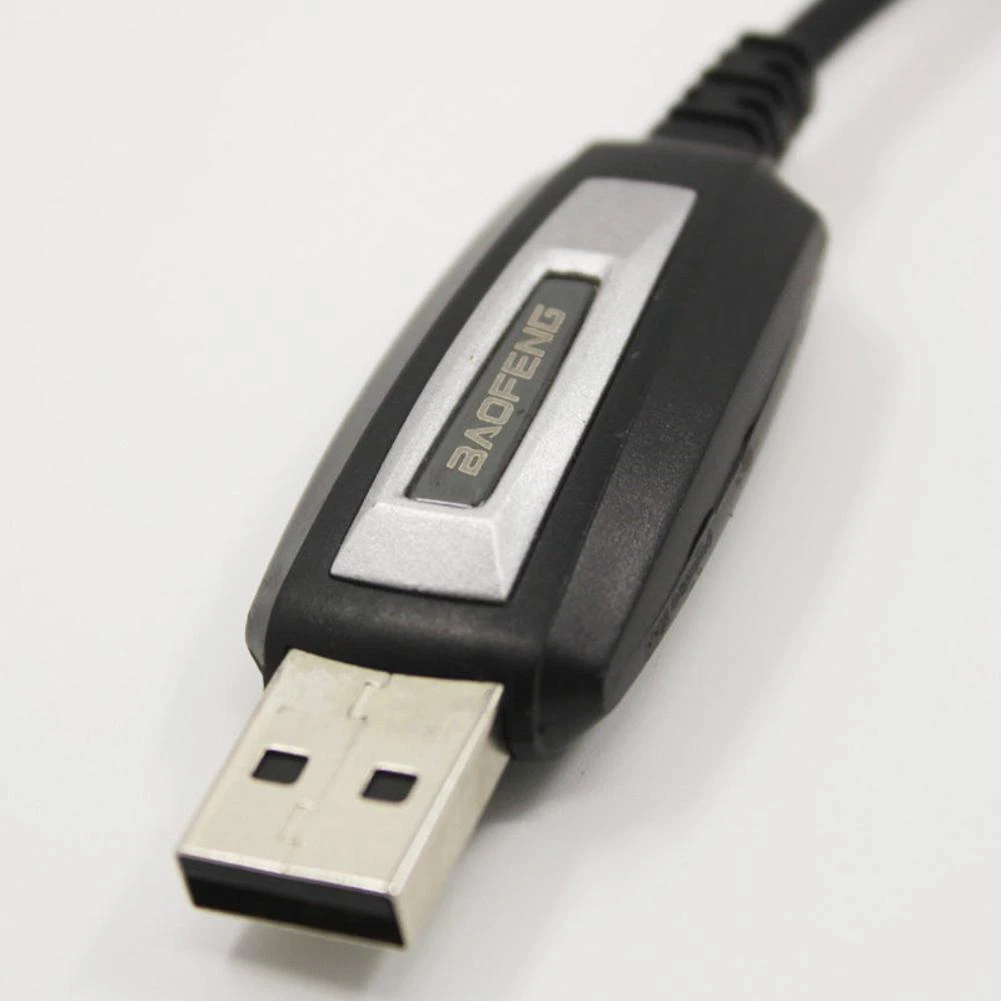
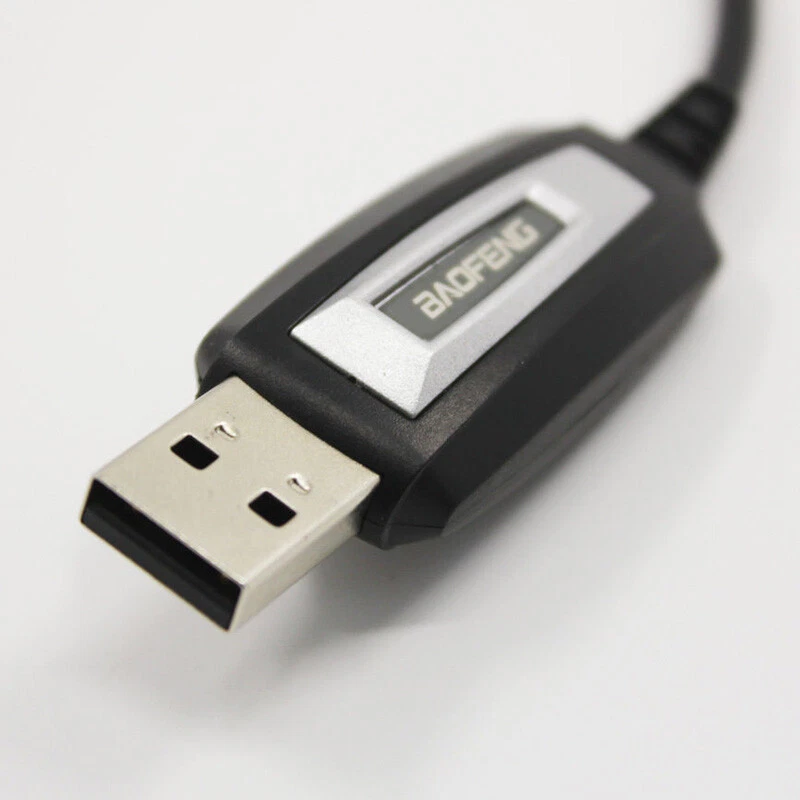
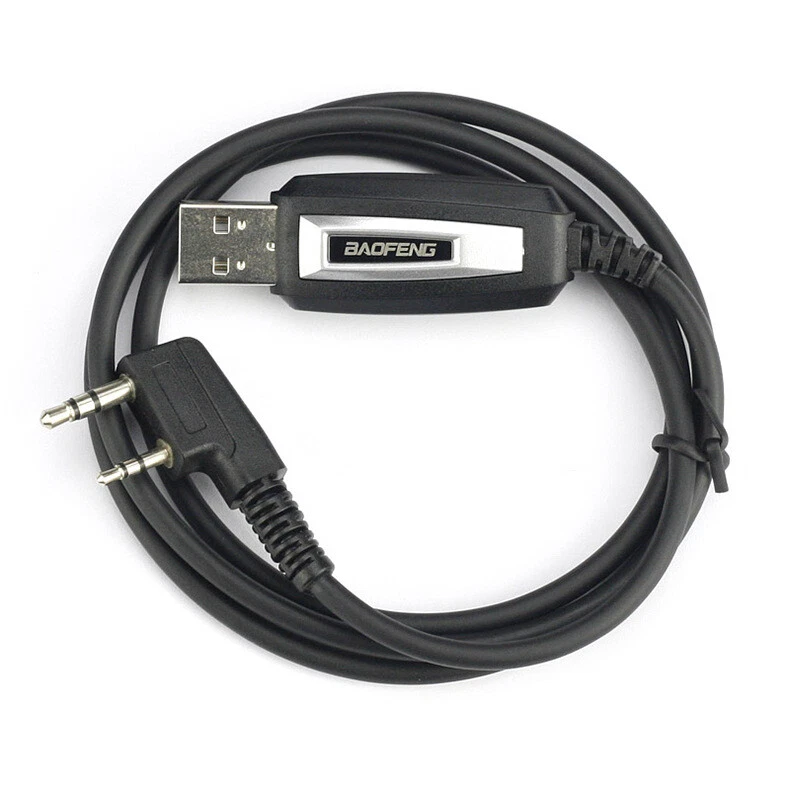
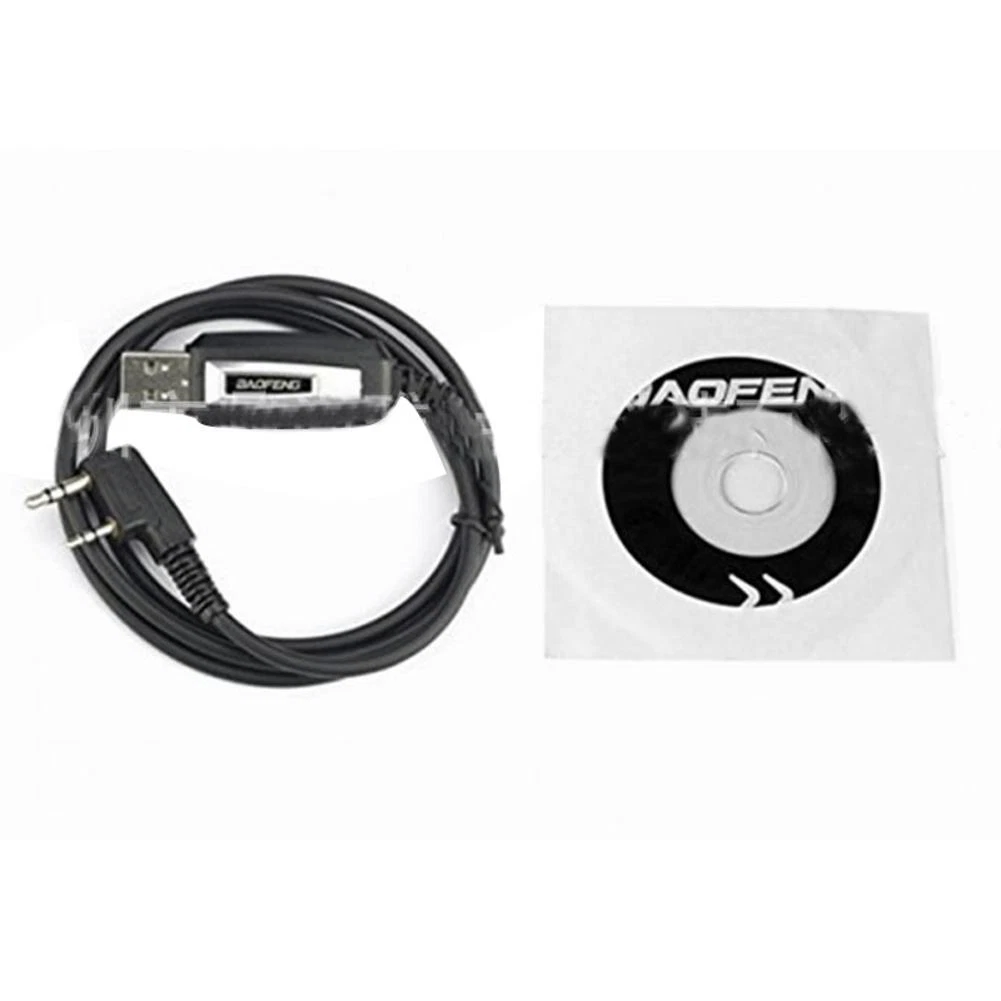
Baofeng BF-888s Programming Cable is a specialized USB interface designed to connect your radio to a computer. Since the BF-888s is a "screenless" radio, this cable is the only way to customize frequencies, adjust squelch levels, and activate advanced features like VOX or Scrambling.
Built with a standard 2-pin "K-Plug" connector, this cable is compatible with a wide range of radios beyond the 888s, including the UV-5R series, making it a versatile addition to any radio operator's toolkit.
Key Features
Full Customization: Unlock all 16 channels to set specific UHF frequencies (400-470MHz), privacy tones (CTCSS/DCS), and scan lists.
Plug-and-Play Simplicity: Features a standard USB 2.0 interface for quick connection to laptops and desktop PCs.
Broad Compatibility: Uses the universal Kenwood 2-pin (K-type) plug, compatible with Baofeng UV-5R, UV-82, BF-F8HP, and many Kenwood/TYT/Retevis models.
Software Versatility: Works seamlessly with the free, open-source CHIRP software as well as the official Baofeng factory VIP software.
Durable Build: High-quality shielded cabling prevents data loss and interference during the "Read" and "Write" processes.
Technical Specifications of Baofeng BF-888s Programming Cable
Feature
Details
Interface
USB 2.0 to 2-Pin K-Plug (3.5mm & 2.5mm)
Pin Spacing
8mm (Standard K-Type)
Cable Length
~1 Meter (3.3 ft)
Supported OS
Windows 7, 8, 10, 11 (32/64-bit)
Chipset
Often features CH340 or FTDI chips (Model dependent)
Supported Software
CHIRP, Baofeng VIP, BF-480
Quick Setup Guide
Install Drivers: Always install the USB driver (usually CH340 or Prolific) before plugging in the cable.
Connect Radio: Ensure the radio is OFF when you firmly plug the 2-pin connector into the side jack.
Power On: Switch the radio ON and turn the volume to maximum to ensure a stable connection.
Read from Radio: In your software (e.g., CHIRP), select the correct COM port and click "Read from Radio" to back up your current settings first.